Optimizing AutoDJ Schedules for 24/7 Online Radio
A complete guide to scheduling AutoDJ playlists for 24/7 radio stations. Learn how to plan time slots, automate transitions, and keep listeners engaged.
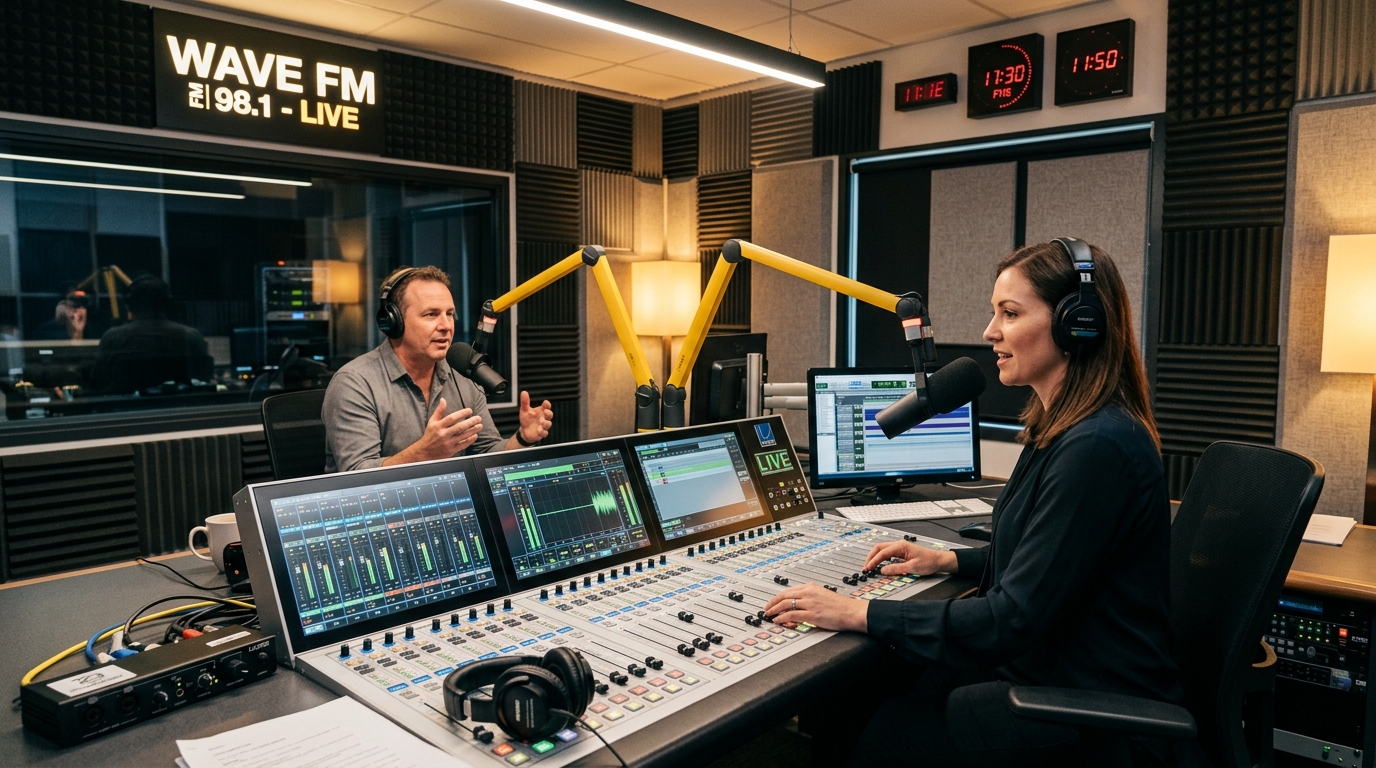
Introduction to AutoDJ
Running a successful online radio station requires keeping it live 24/7, even when you aren't broadcasting live. This is where AutoDJ becomes essential. AutoDJ is an automated broadcasting system that streams music and pre-recorded content from your server continuously, ensuring your station is never silent.
Scheduling for Peak Hours
Your listeners' habits change throughout the day. To keep them engaged, you must align your playlists with their daily routines. For example, during the morning commute, high-energy tracks or morning talk shows are ideal. In the late evening, a transition to more relaxed or ambient music is appropriate.
If you have an international audience, keep in mind their local timezones. You can create scheduled playlists that loop or trigger at specific hours (e.g. EST evening vs. GMT morning) to accommodate global listeners.
Playlist Rotation Best Practices
Avoid listener fatigue by maintaining a healthy playlist rotation. We recommend splitting your library into different weight groups:
- Heavy Rotation (New/Hot tracks): Played every 2-3 hours.
- Medium Rotation (Popular classics): Played every 6-8 hours.
- Light Rotation (Deep cuts): Played once a day or less.
Handling Ads & Station IDs
To monetize or brand your station, schedule station IDs, jingles, and advertisements at regular intervals. Best practice is to play a jingle every 4-5 songs, and a commercial break every 30 minutes. Most modern AutoDJ systems allow you to set rules like "Insert file X every 15 minutes" to handle this automatically.
Conclusion
A well-optimized AutoDJ schedule ensures your radio station feels professional, dynamic, and polished at any hour of the day. Spend time planning your programming structure and your listeners will reward you with longer session times.